
Configure an AI provider
Where: sidebar → Providers → Add Provider → Add AI. Have the service endpoint and credential required by that provider type ready.
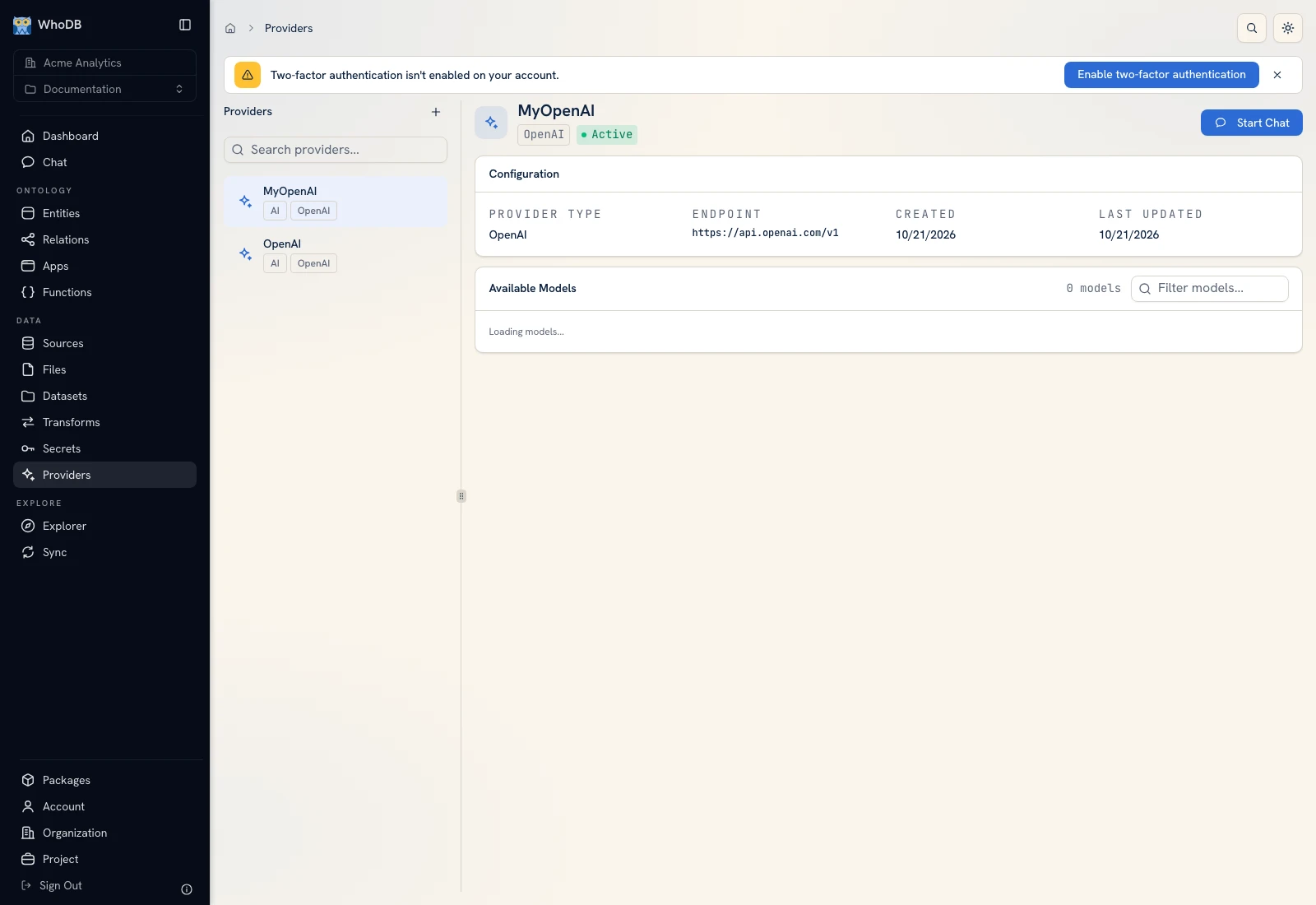 The Providers workspace shows the selected service's configuration and available models.
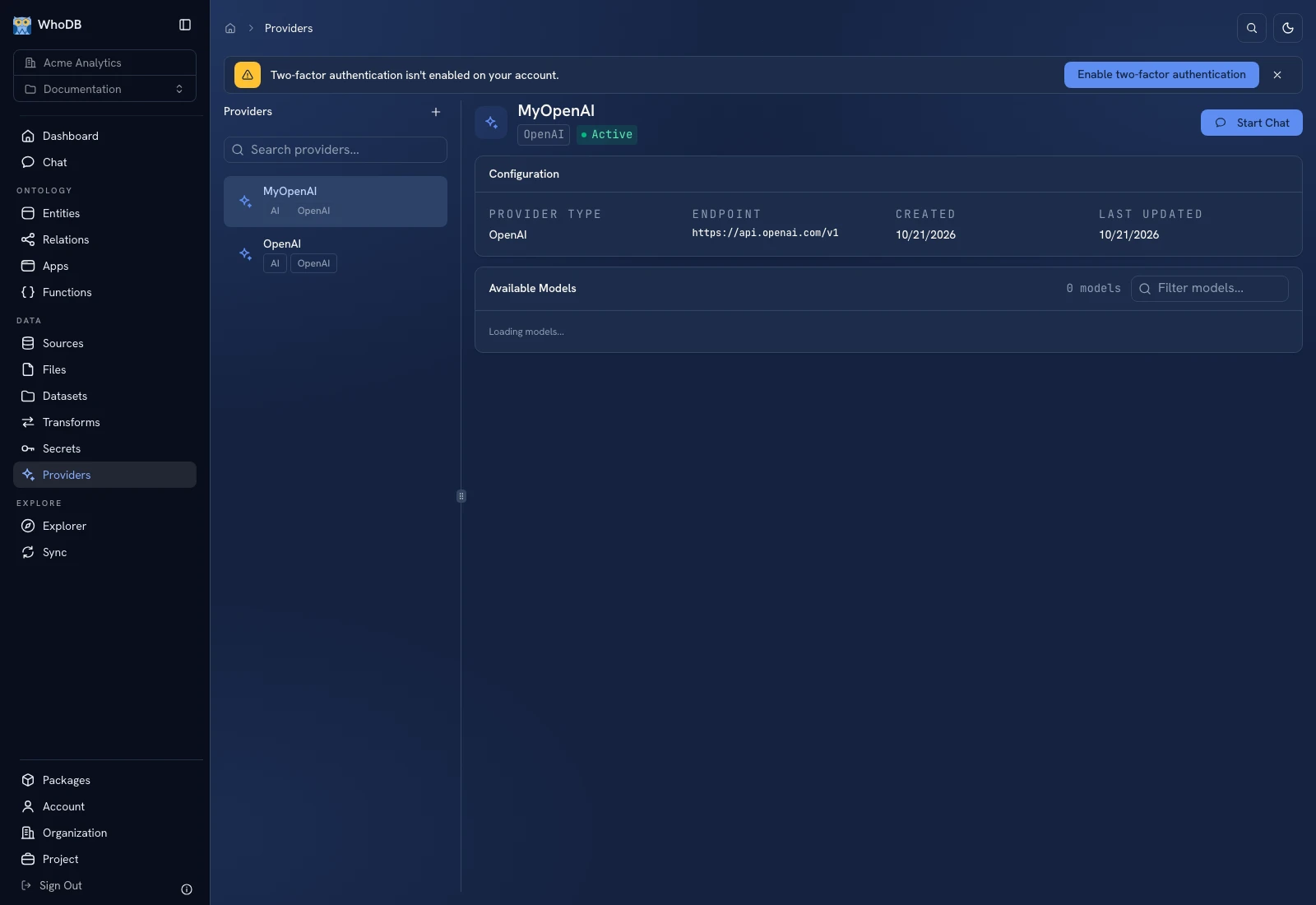 The Providers workspace shows the selected service's configuration and available models.
Add the service#
- Click the add-provider control and choose Add AI.
- Select the provider type offered by the form.
- Enter its name, endpoint, credential, and any required model configuration.
- Save and select the resulting provider.
- Inspect Configuration and Available Models. Use Filter models… to locate a model the workflow needs.
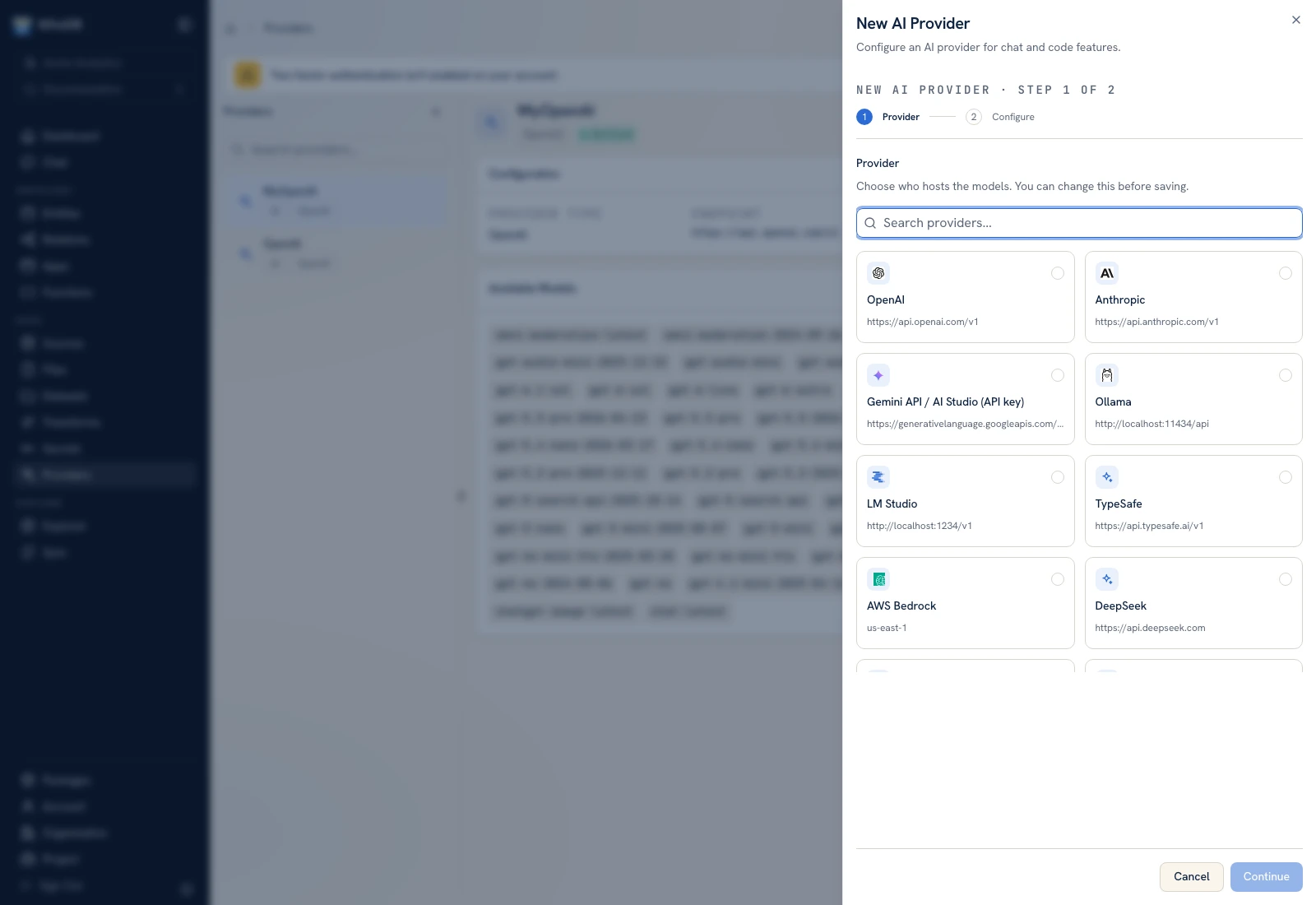 The AI provider form defines the service used by consumers.
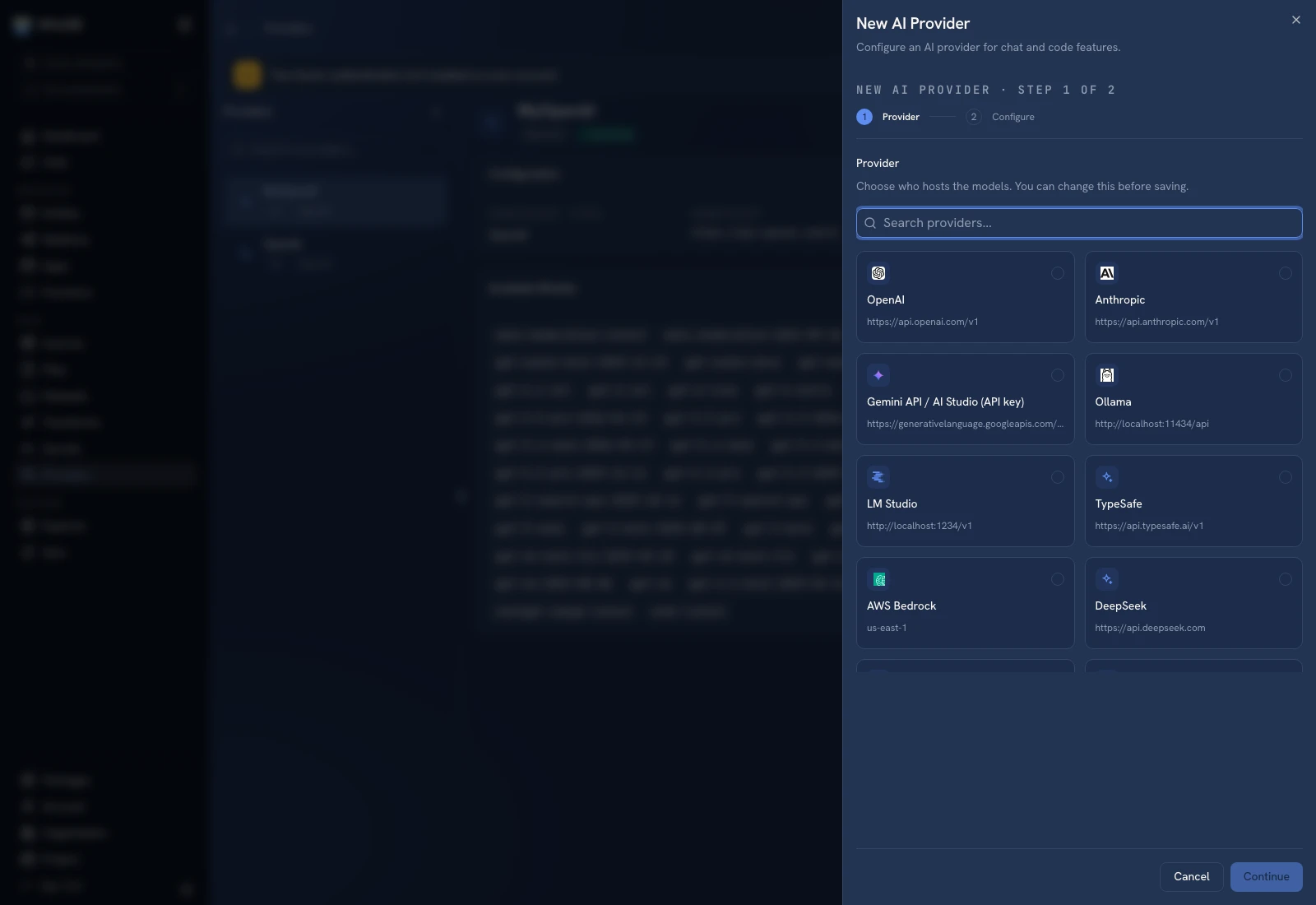 The AI provider form defines the service used by consumers.
The catalog and supported fields depend on the running instance. The models visible in screenshots illustrate this UI; they are not a promise that every provider account has those models or that a particular model is appropriate for your task.
Use it in the right consumer#
| Consumer | Selection to verify |
|---|---|
| Chat | Provider/model picker in the conversation |
| Function | Provider binding and generation settings in Configuration |
| AI transform node | Provider, Model, instructions, and output schema |
| Input generation | The input-generation model configuration; distinct from running a Raw function input |
Use Start Chat on a selected provider when you want an interactive test. Start with a synthetic question that does not require changing data. Inspect the response and any produced artifact.
Troubleshoot models and credentials#
Wait for model loading before interpreting an empty list. Verify the service endpoint and credential, the selected provider type, and permissions. Do not infer current runtime readiness solely from a saved provider row.
When changing a provider used by an existing function or transform, test the consumer again. Model output fields and behavior need validation even when the HTTP request succeeds.
Was this page helpful?