
Promote, inspect, and restore versions
Where: a versioned resource's Promote control or Version history action. Apps, functions, transforms, datasets, and entities participate in versioning.
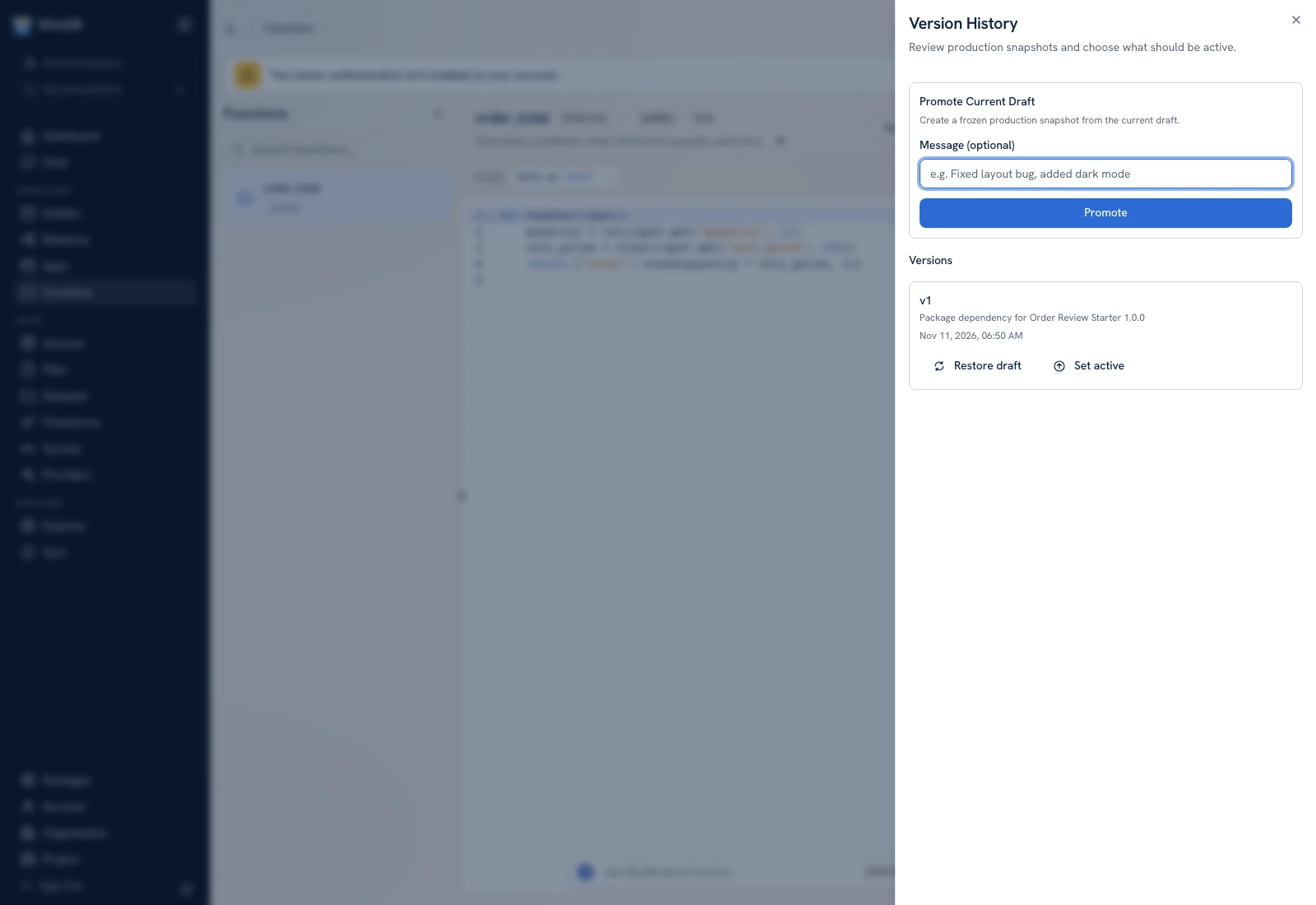 Promotion reviews the resource snapshot and release message before activation.
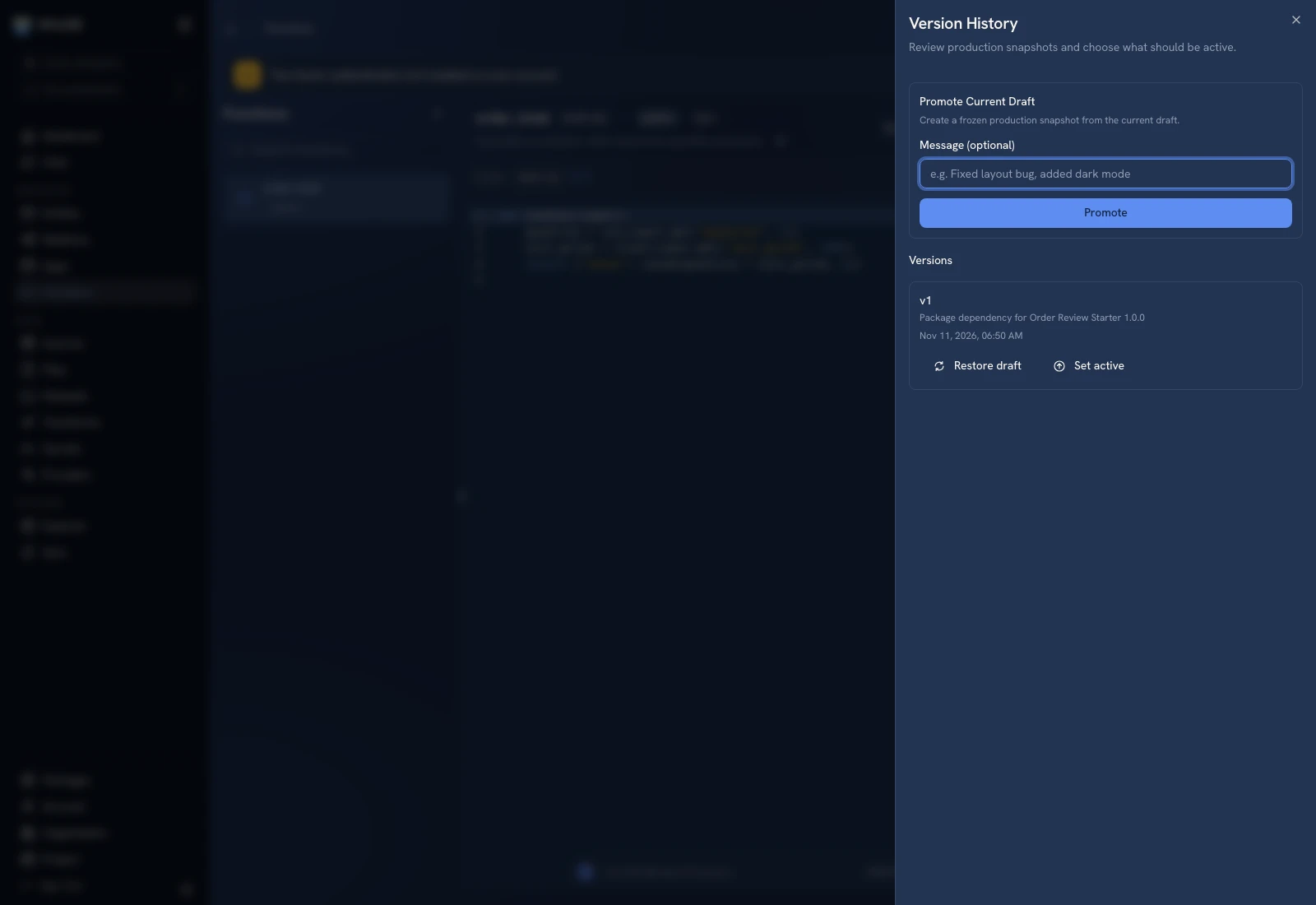 Promotion reviews the resource snapshot and release message before activation.
Save the draft first#
Finish editing and click the resource's save action. Reopen or preview the saved content and verify the known input/output. Promotion operates on resource content; do not assume unsaved editor state is what another user will run.
Promote deliberately#
- Select the resource and click Promote.
- Review the snapshot/version information and enter a meaningful message when requested.
- Confirm the promotion only when you intend to change its active version.
- Inspect the active version badge.
- Test the consumer that uses the active release, such as the published app or an execution-only function call.
In the current implementation, Promote creates the version and makes it active. It is not merely a draft save or a detached snapshot. Schema resources can apply storage changes at this boundary, so review them before promotion.
View history and roll back#
Open Version history, select the version, and inspect its recorded content/message. A rollback selects an earlier active snapshot and applies that resource's active-version behavior. Verify the app, function, or schema after rollback rather than assuming all dependencies also moved to compatible versions.
Restoring a version to draft is different from making that version active: it returns content to an editable state. Review the active badge after the operation and explicitly promote when a new activation is intended.
Check dependent resources#
An app can call functions with their own active versions. Execution-only function access uses the deployed active version. A function schedule pauses when another version becomes active until it is saved again. Review bindings, scheduled inputs, and caller permissions during a release.
Packages are separate#
Creating a package freezes resource versions for distribution but does not itself activate apps/functions. Installation/import and activation are separate outcomes. Follow Packages when distributing a workflow rather than using a source project's active badge as evidence of the recipient's runtime state.
Was this page helpful?